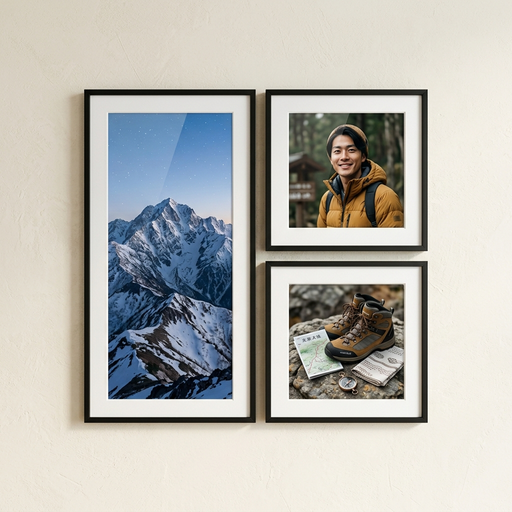
Photo sets, framed on the wall
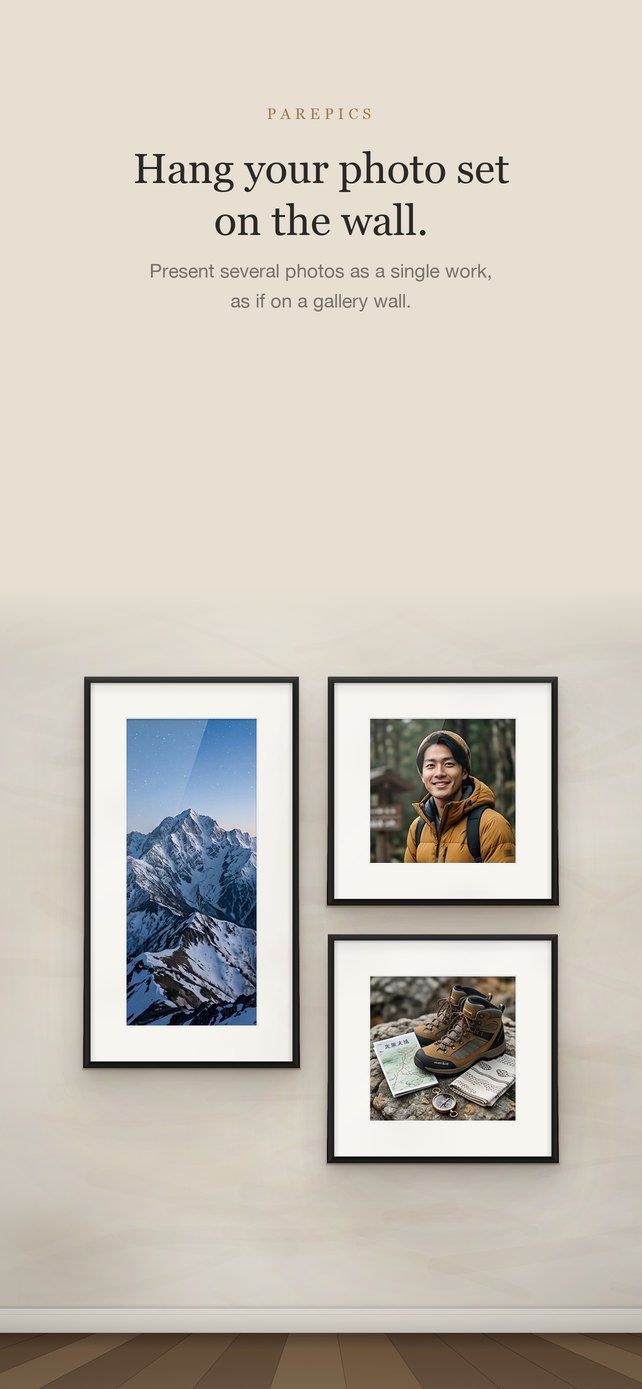
Hang your photo set
on the wall.
pairPics is an iPhone app for presenting several photos as a single work. Choose a fine wall, a frame and a mat, then export everything in the order you’ll post it.
Download on the App Store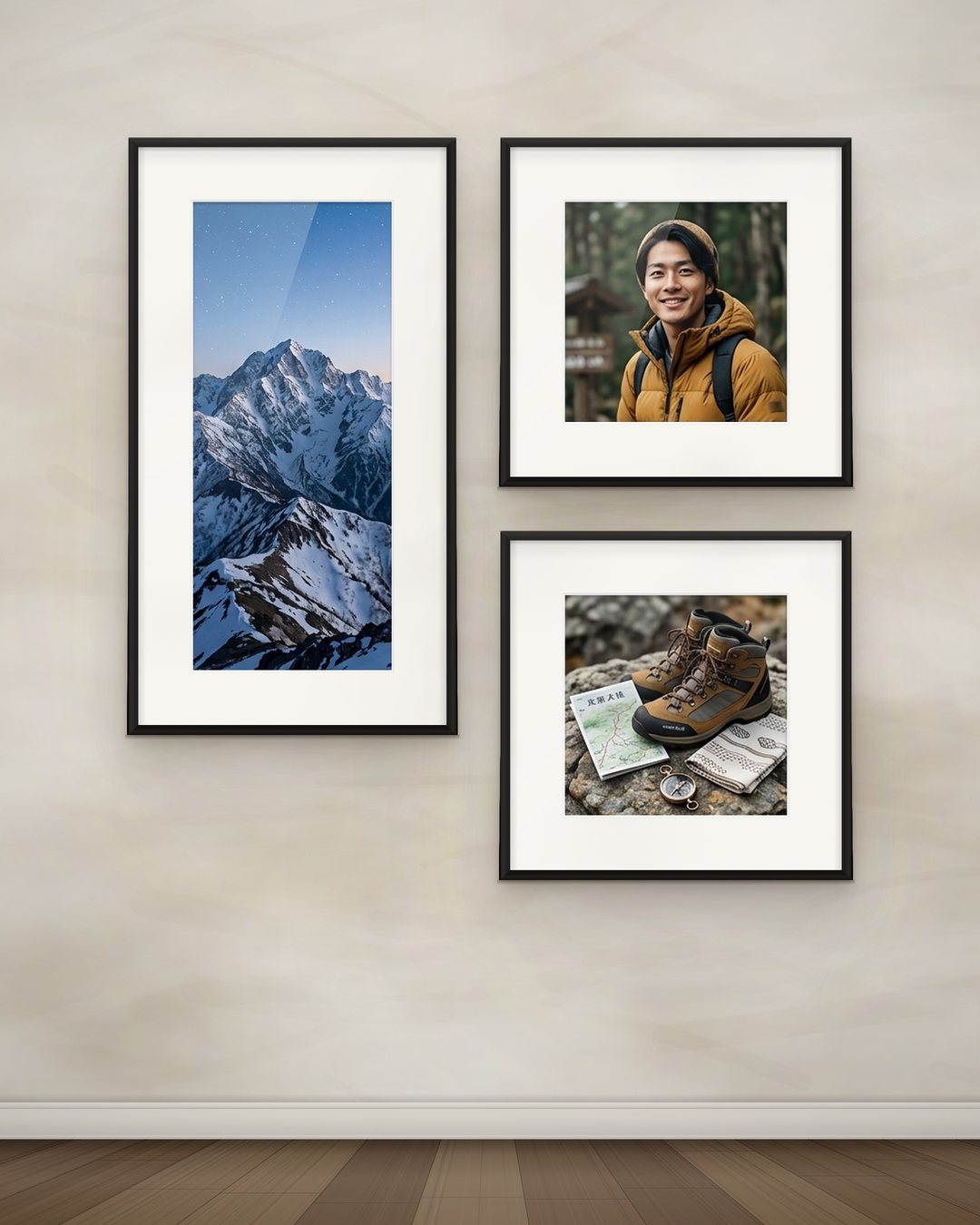
Three galleries
Three galleries
Beyond the classic wall, there are three places to show your photo set: a forest, a concrete museum and a glass gallery by the sea. The same photos take on a different character in each.
 Move to look around · scroll to walk in
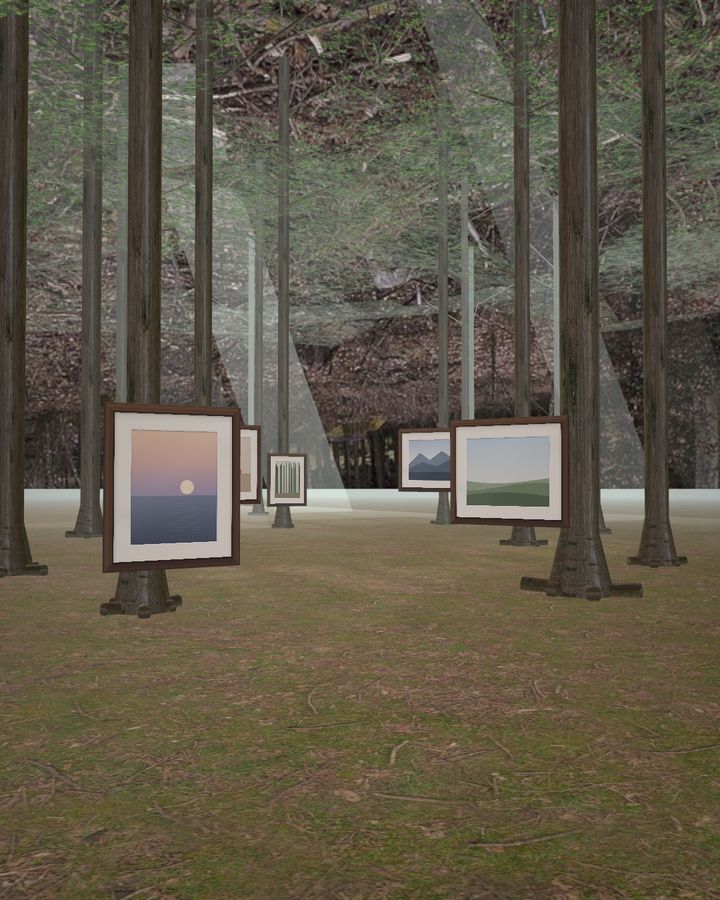
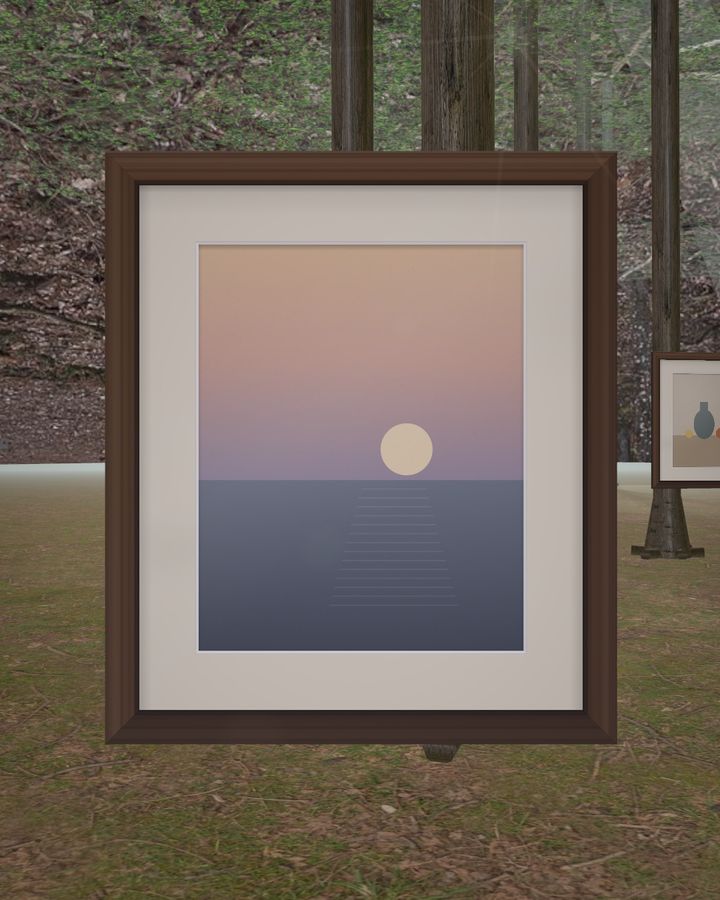
Gallery 01 — Forest
The Forest Gallery
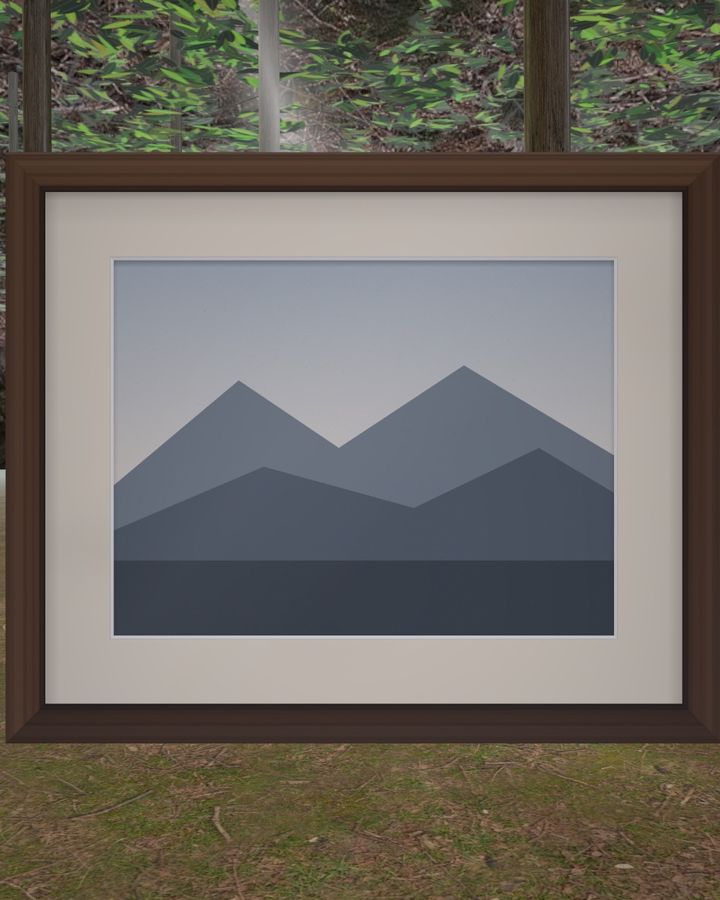
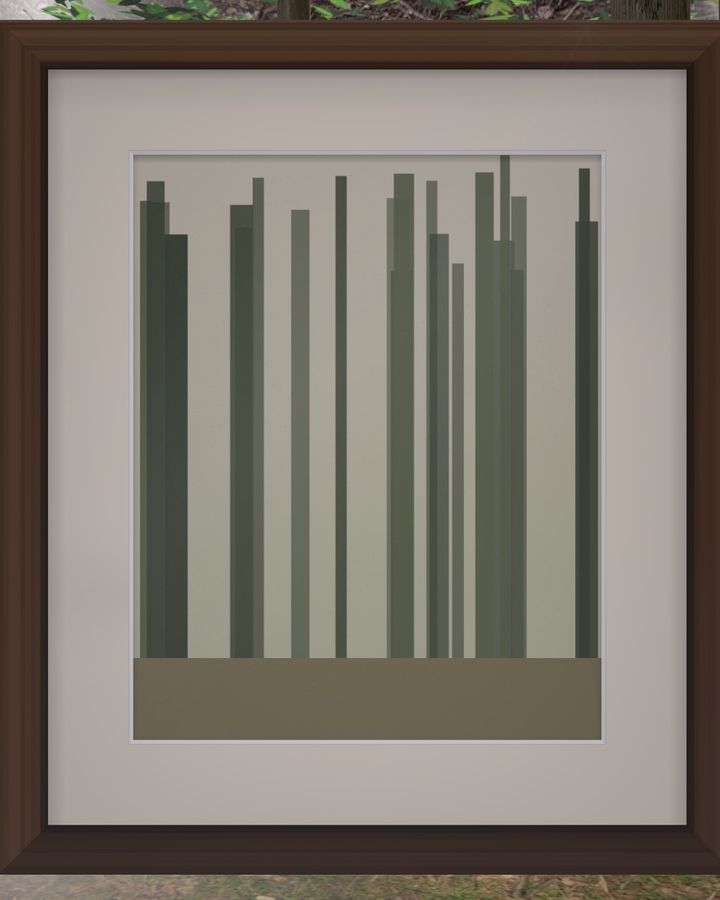
Frames float quietly in a sunlit forest. Walk slowly along the path and meet your photos one at a time.
- A real forest with mist and shafts of light, the trees swaying gently in the wind
- Frames float at eye level, placed on either side of the path
- In the video, sunlight through the leaves catches the lens for a brief glint
 Move to look around · scroll to walk in
Gallery 02 — Concrete museum
The Concrete Museum
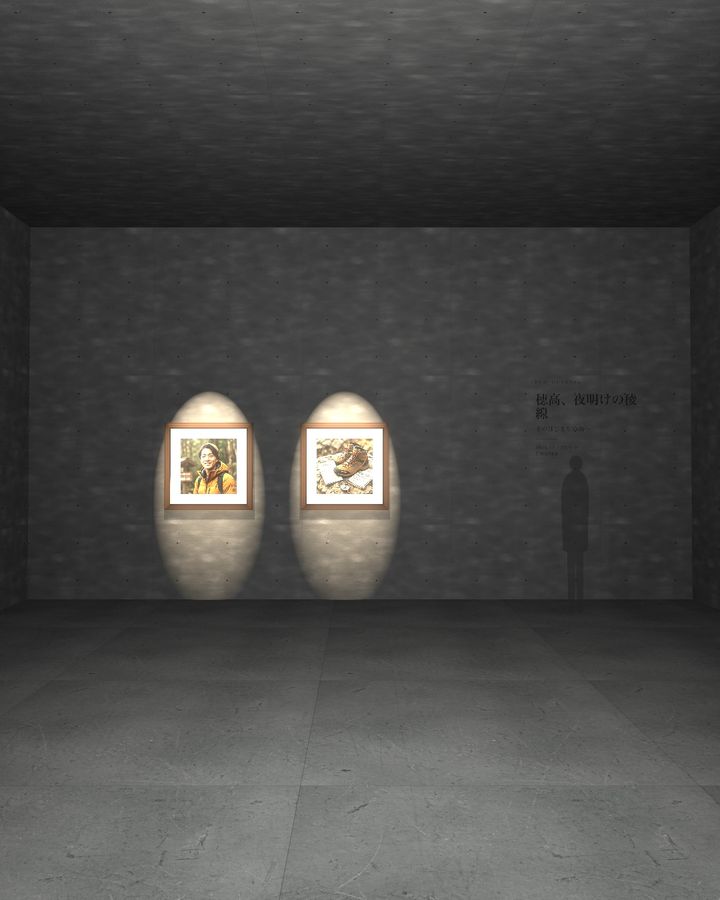
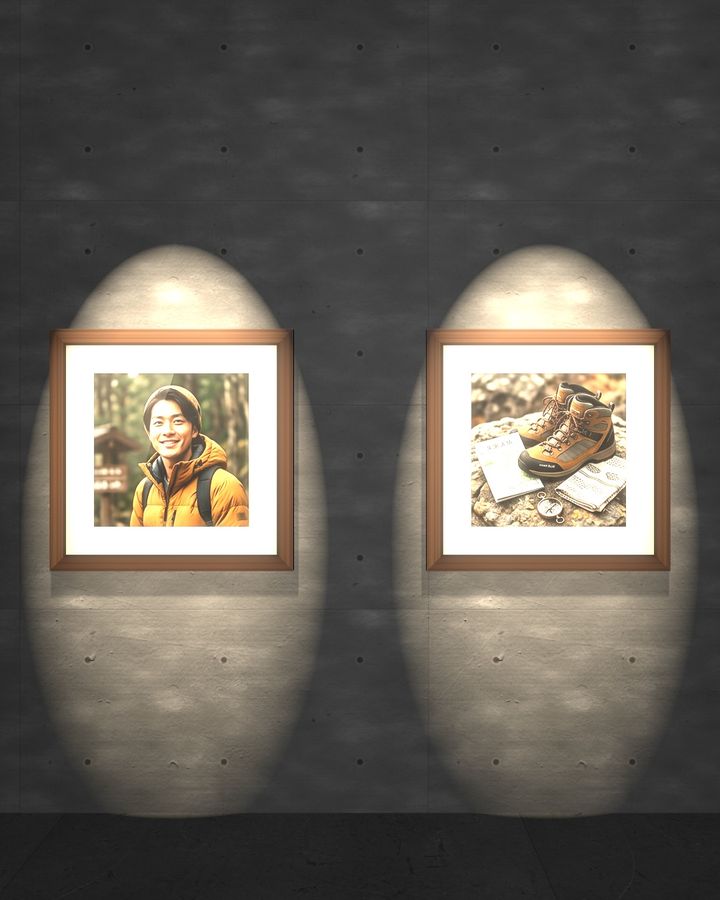
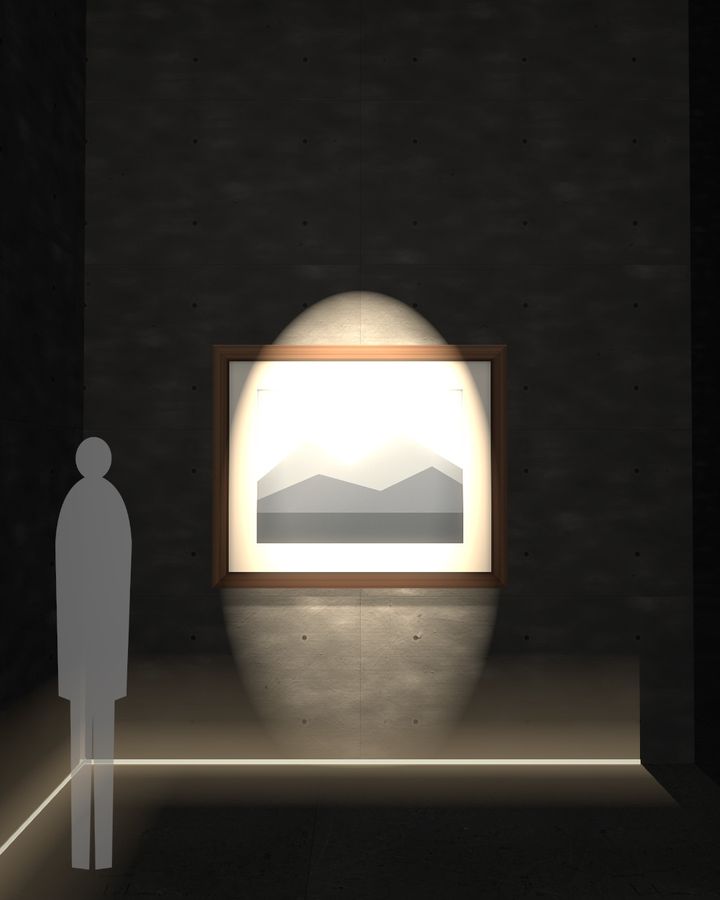
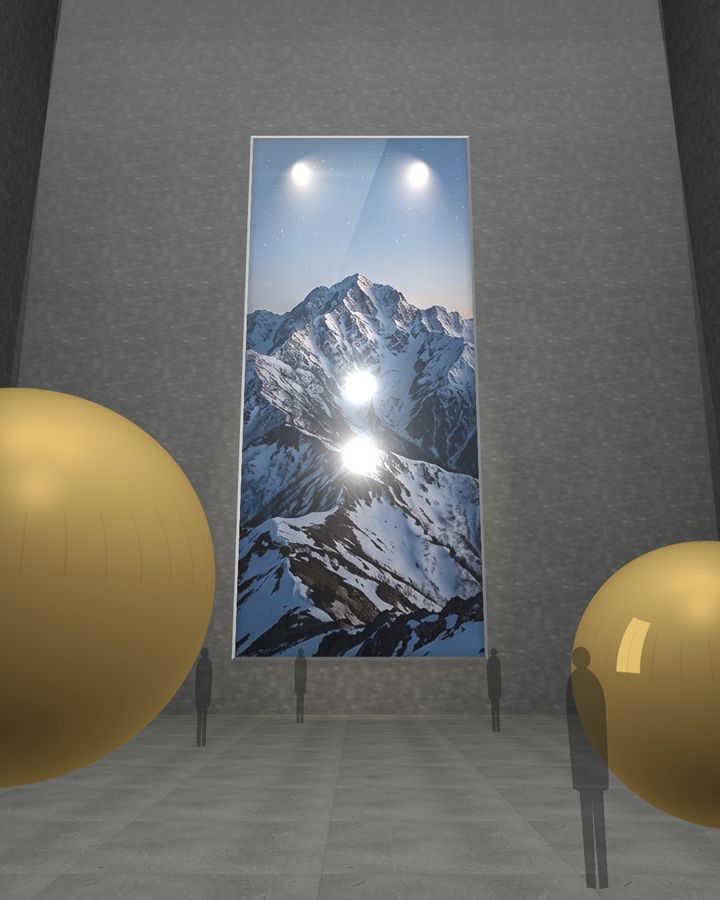
From a raw-concrete entrance, through a tall corridor, into a great hall filled with light. The final photo is big enough to look up at.
- Choose which photos go in the entrance, the corridor, at its end and in the hall
- The hall photo is an unframed acrylic panel up to 16 meters tall
- Spotlights, golden spheres and translucent figures give a sense of scale. Walk-through videos run 15 to 60 seconds
 Move to look around · scroll to walk in
Gallery 03 — Glass gallery by the sea
The Glass Gallery by the Sea
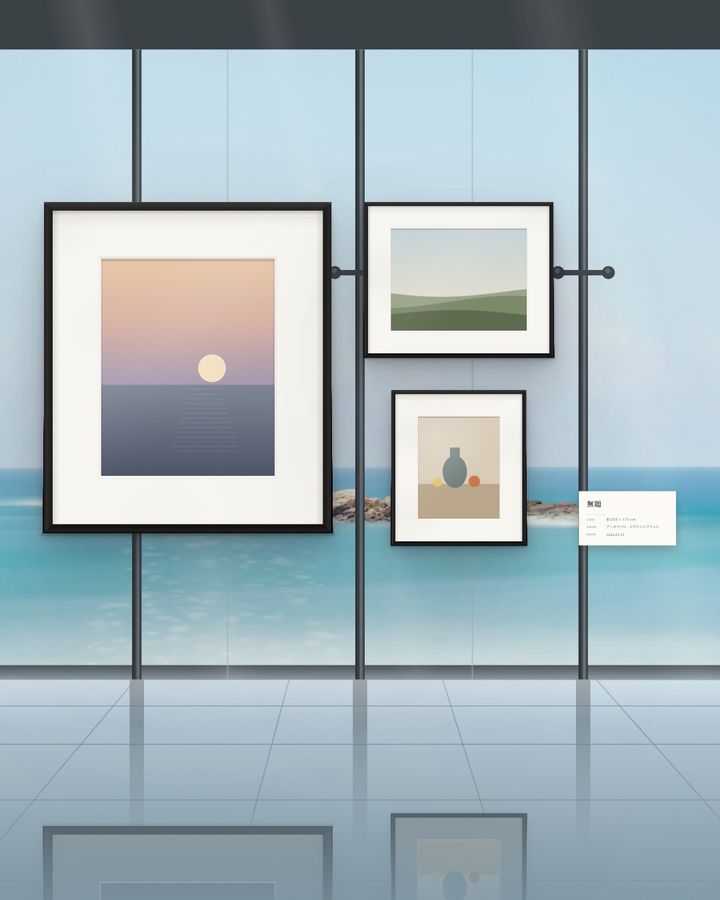
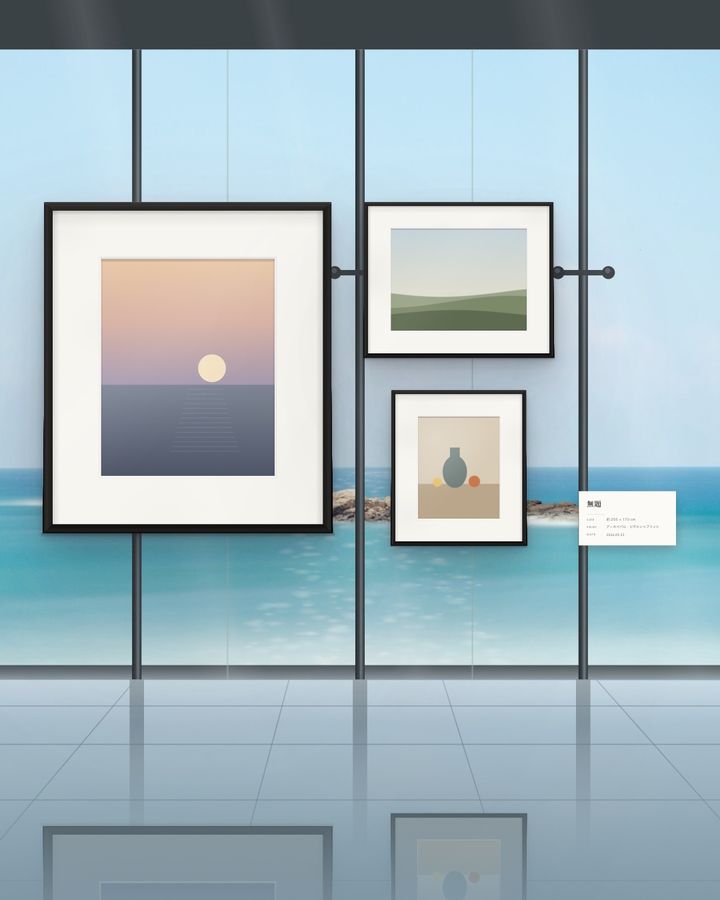
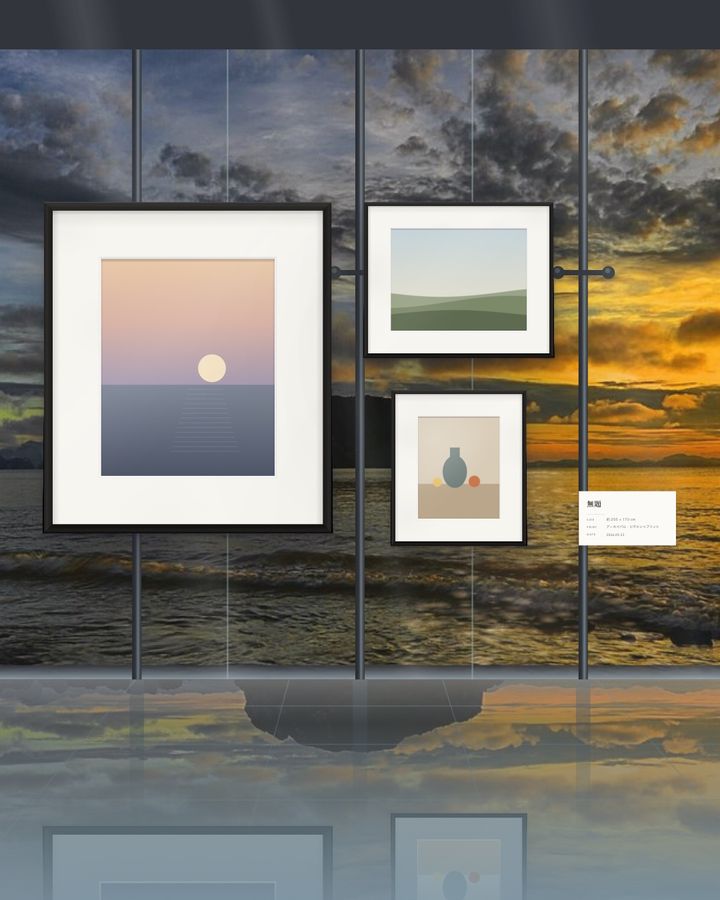
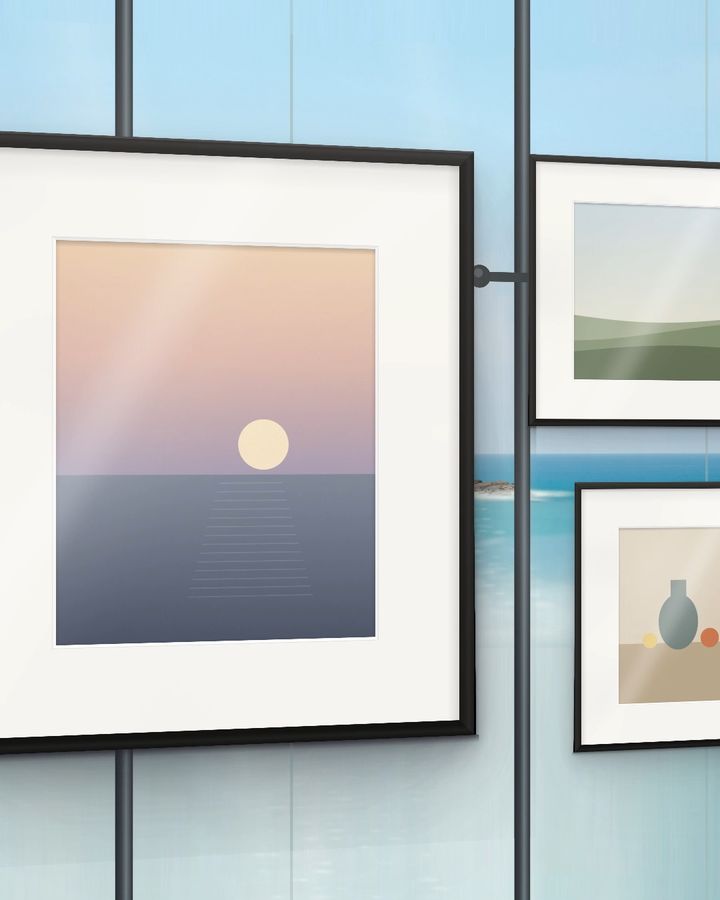
Beyond a wall of glass, a calm sea and a small island. Hang your photo set on the glass, and the polished floor reflects the sky and the frames.
- Five times of day: morning, noon, afternoon, dusk and overcast
- Arrangements, frames, mats and titles work just like the wall mode
- In the video, the sea beyond the glass glitters
Screenshots
Features
Designed around the quiet presence of a photo set, rather than any single image.
One to fifteen photos
About 20 arrangements of large and small frames for each count. Shuffle with a tap, and step back anytime.
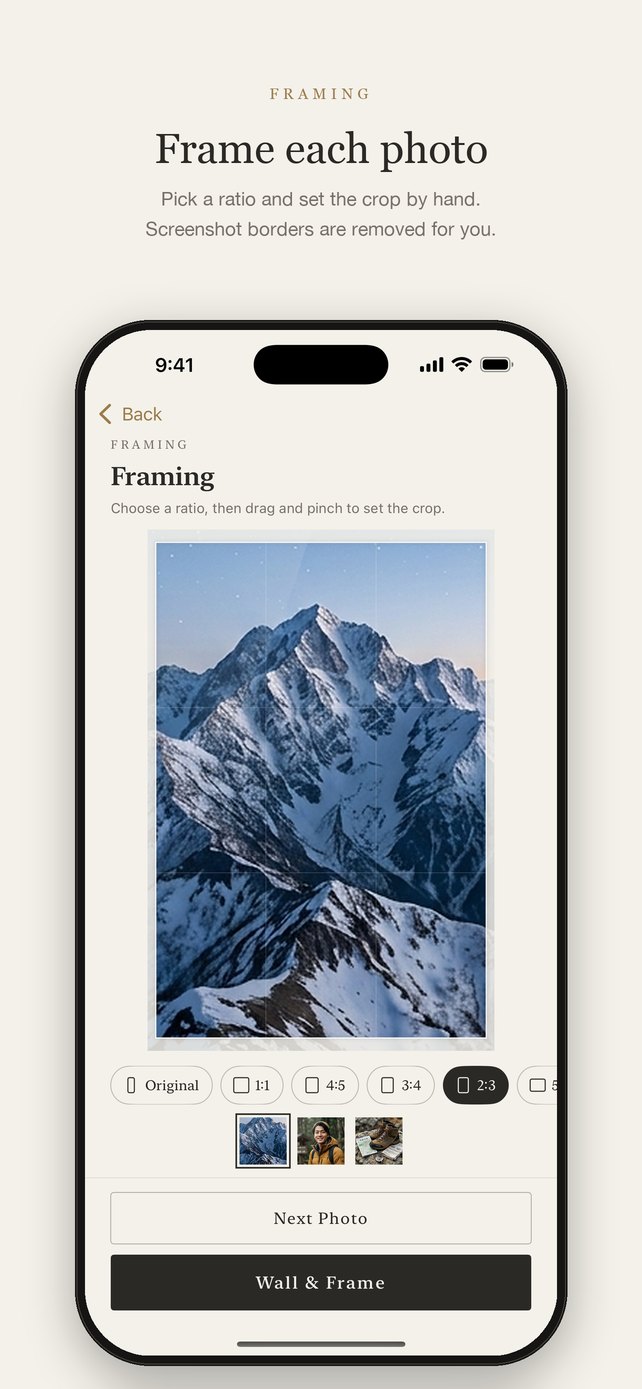
Framing for each photo
Set the ratio and crop by hand. Black or gray screenshot borders are removed automatically.
Fine walls and frames
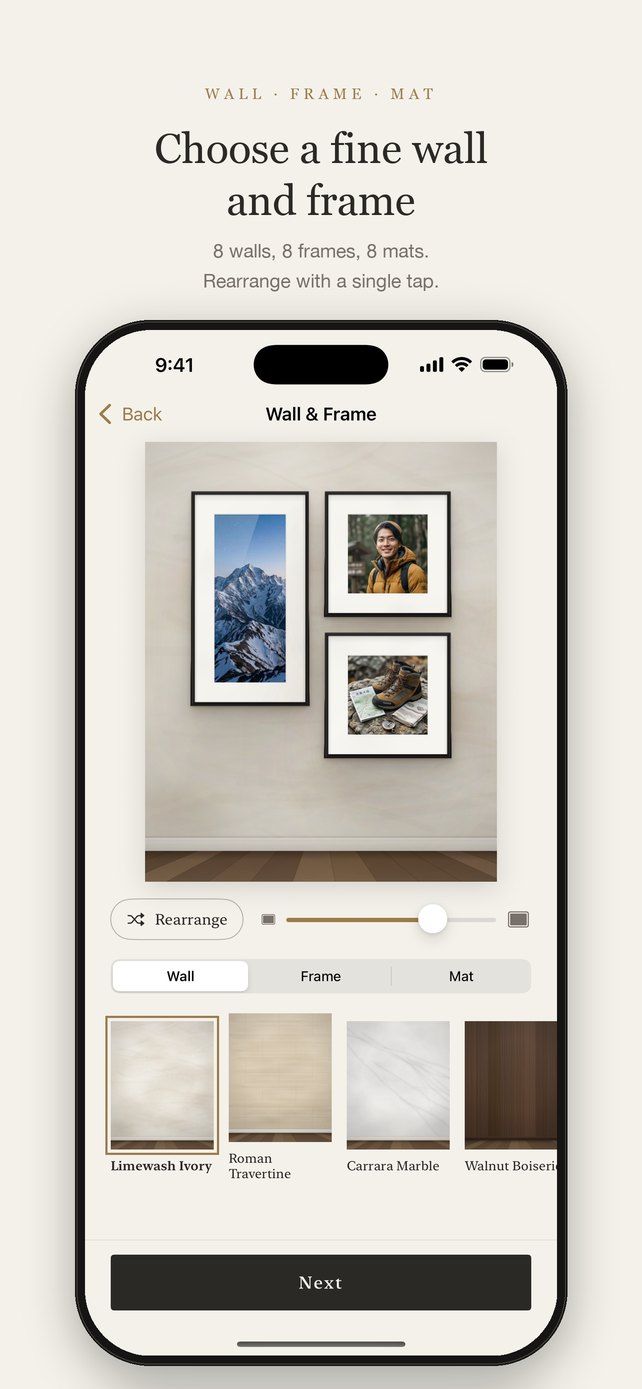
Eight walls — limewash, marble, walnut paneling and more — and nine frames, from gilded to a frameless acrylic panel. Choose the frame width and add a spotlight.
Mats that match
The mat adapts to the tones of each photo, or choose from eight mats, including double and linen.
Two film looks
Soft Film and a muted Street Negative. Compare with the original and choose the strength.
Video tours
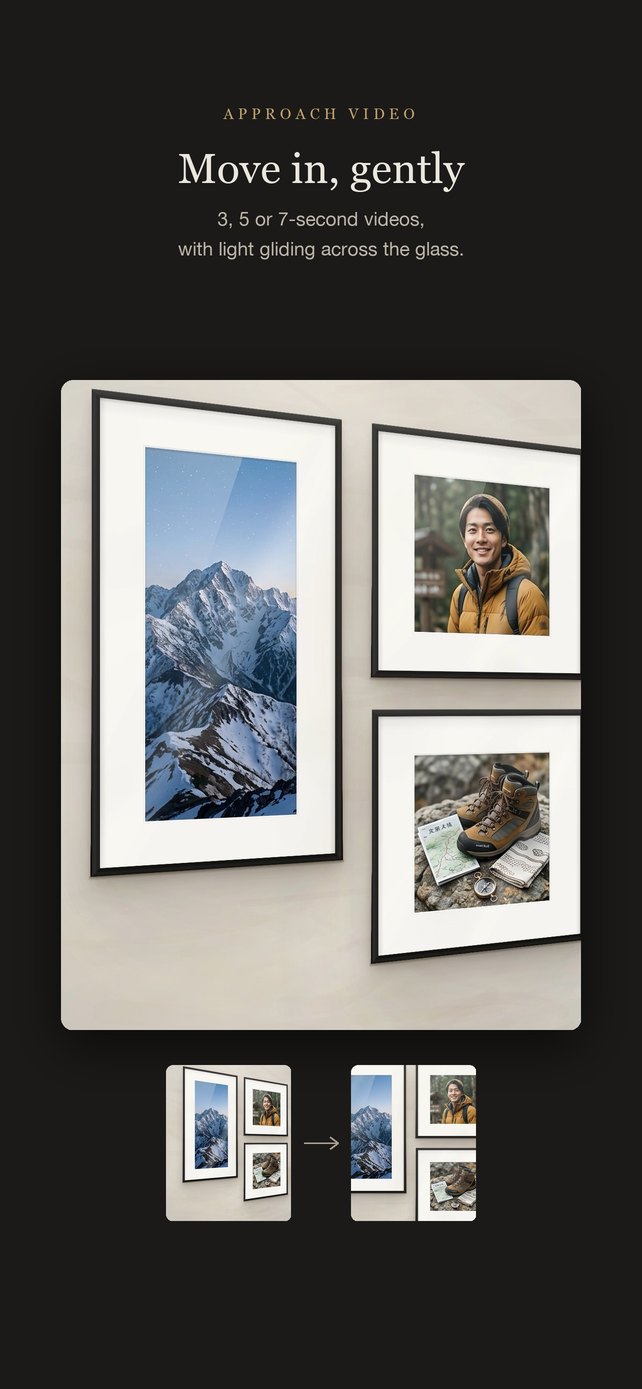
3 to 30 seconds — from a wide shot to one photo, a gentle glide across others, and the key photo to finish, with light on the glass.
How it works
- Choose how many photos
- Pick your photos and adjust their framing
- Choose a wall, frame and mat, and arrange the frames
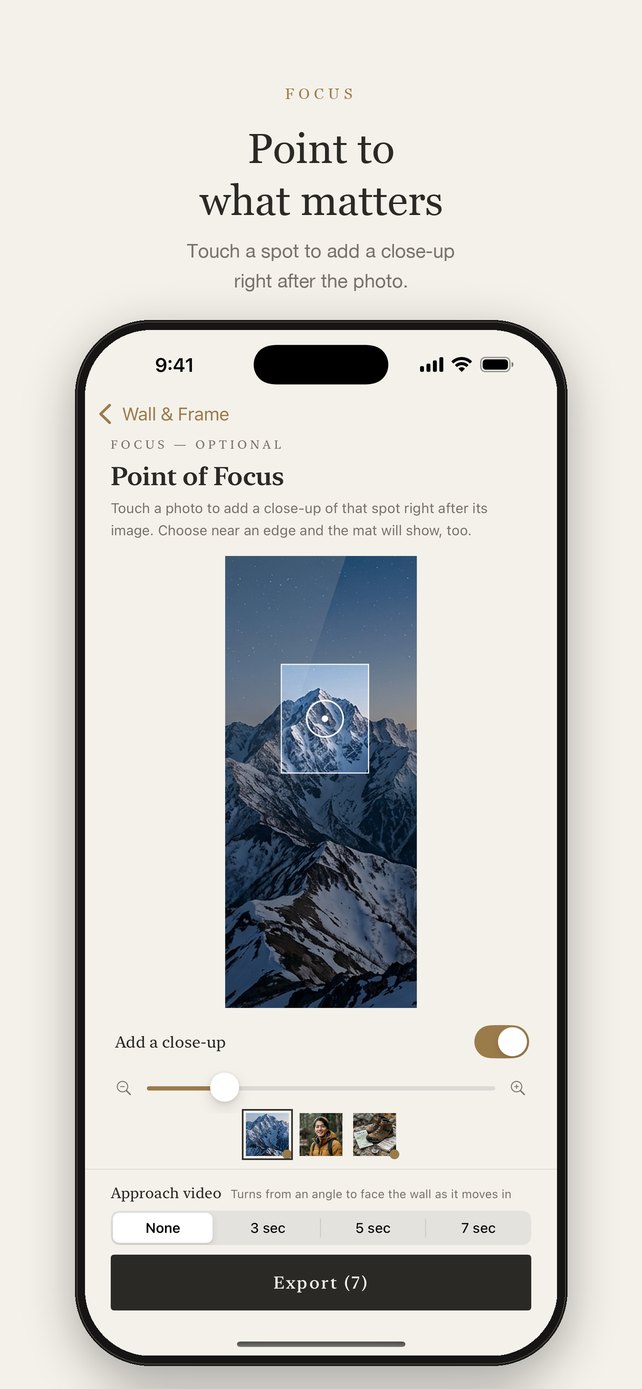
- Point to what matters (optional)
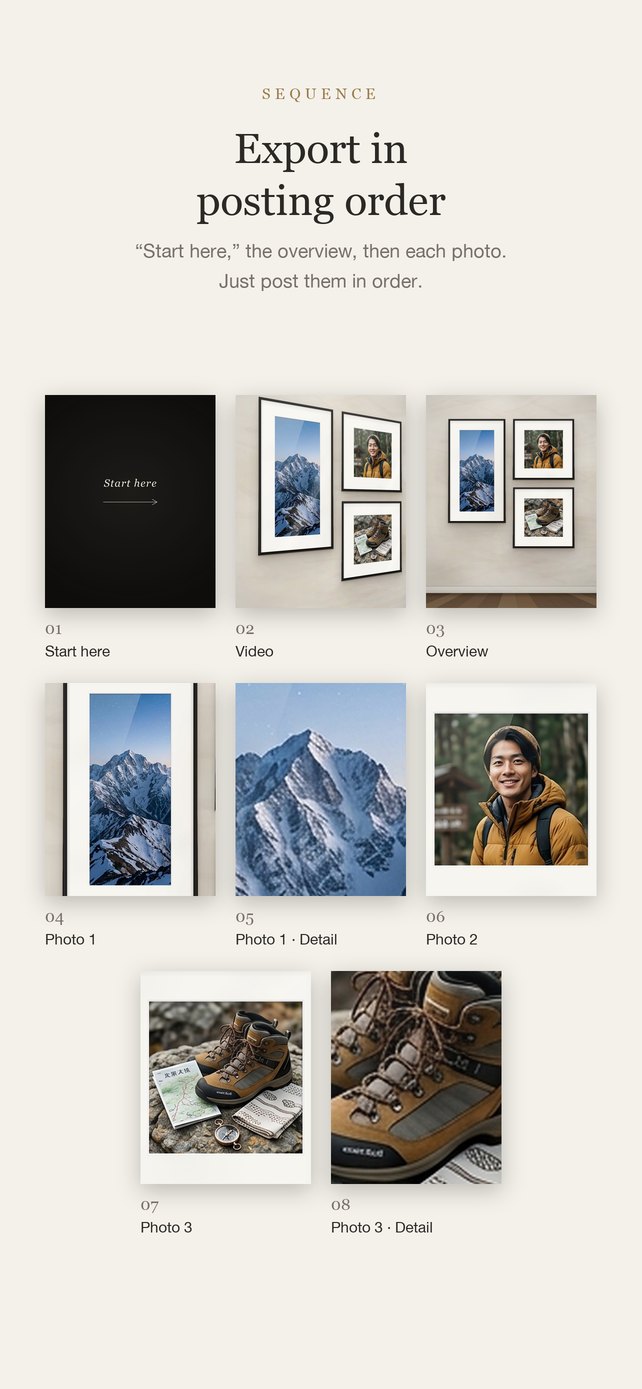
- Export, then post to Instagram in numbered order
Privacy
All photos are processed on your device. There’s no account, and no personal information is collected.
Read the privacy policy