3Dの推し棚を、
組み立てよう。
Build your own
3D display shelf.
棚の形、段数、素材、回転台、ライト、壁紙。全部を選んで、自分だけの飾り棚と部屋を3Dで組み立てます。物理で動くアクリルスタンドを並べたら、カメラが段から段へ流れる紹介動画に。並べるアクスタは、手持ちの写真から作れます。 Pick the style, tiers, materials, turntables, lights and wallpaper, and build a display shelf and room in 3D. Fill it with physics-driven acrylic stands, then export a tour video that glides from tier to tier. The stands are made from your own photos.
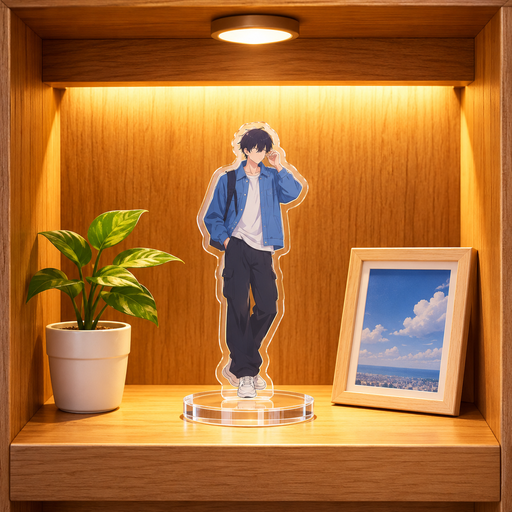
組んで、並べて、見せるBuild it, fill it, film it
棚を組むBuild
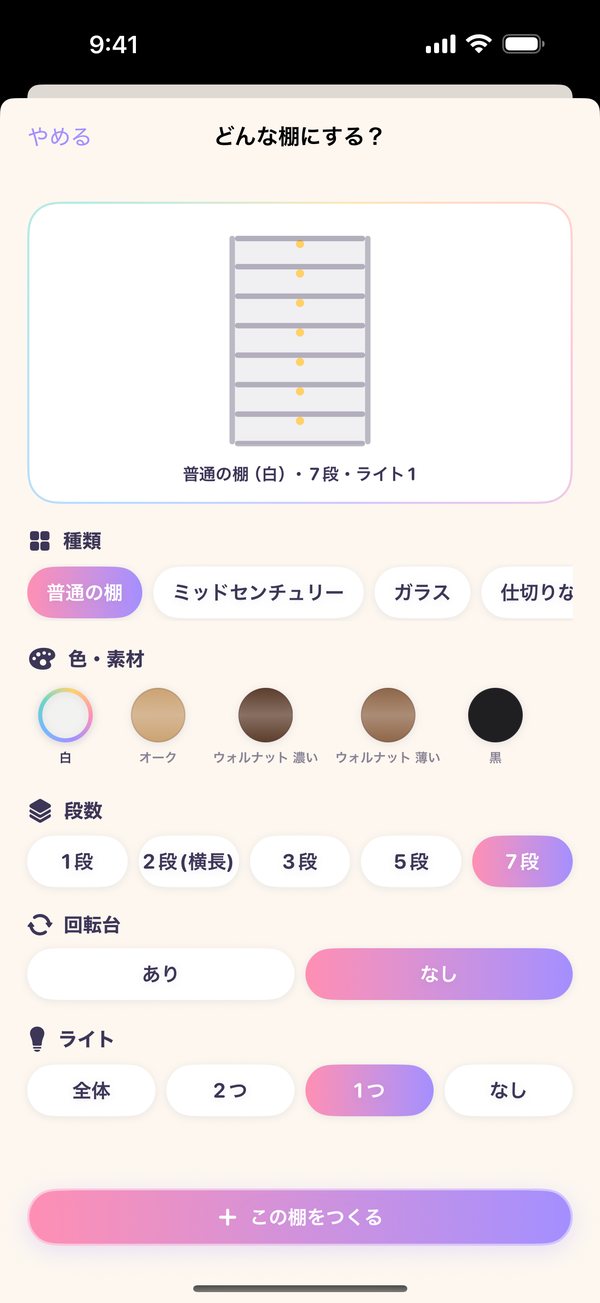
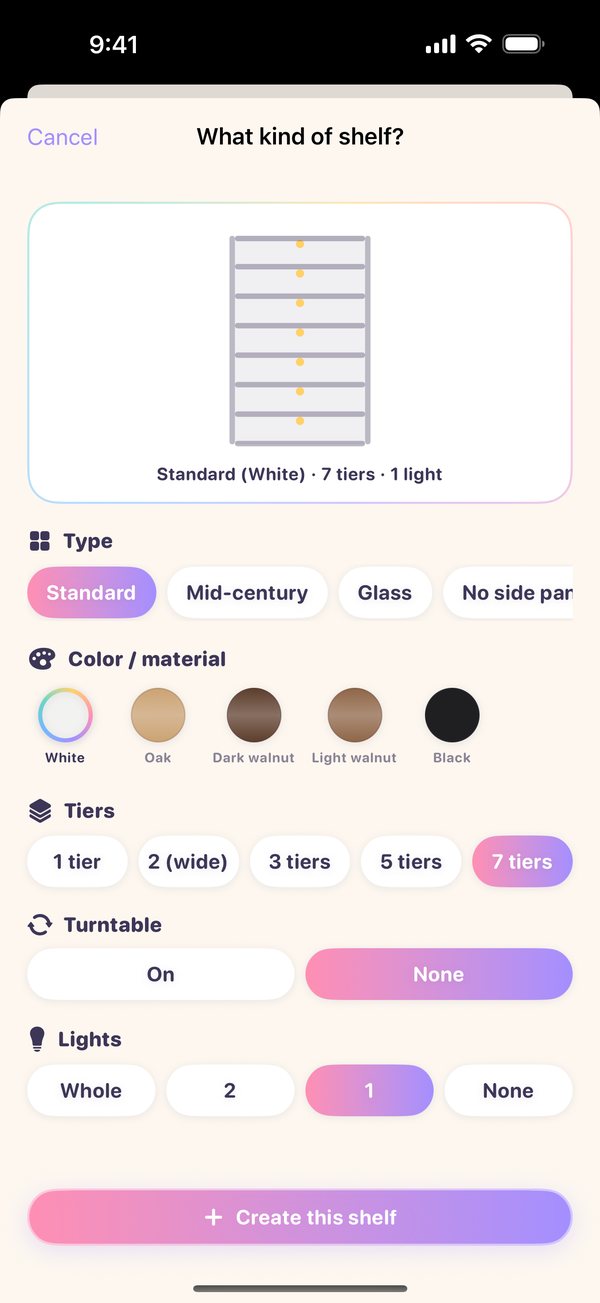
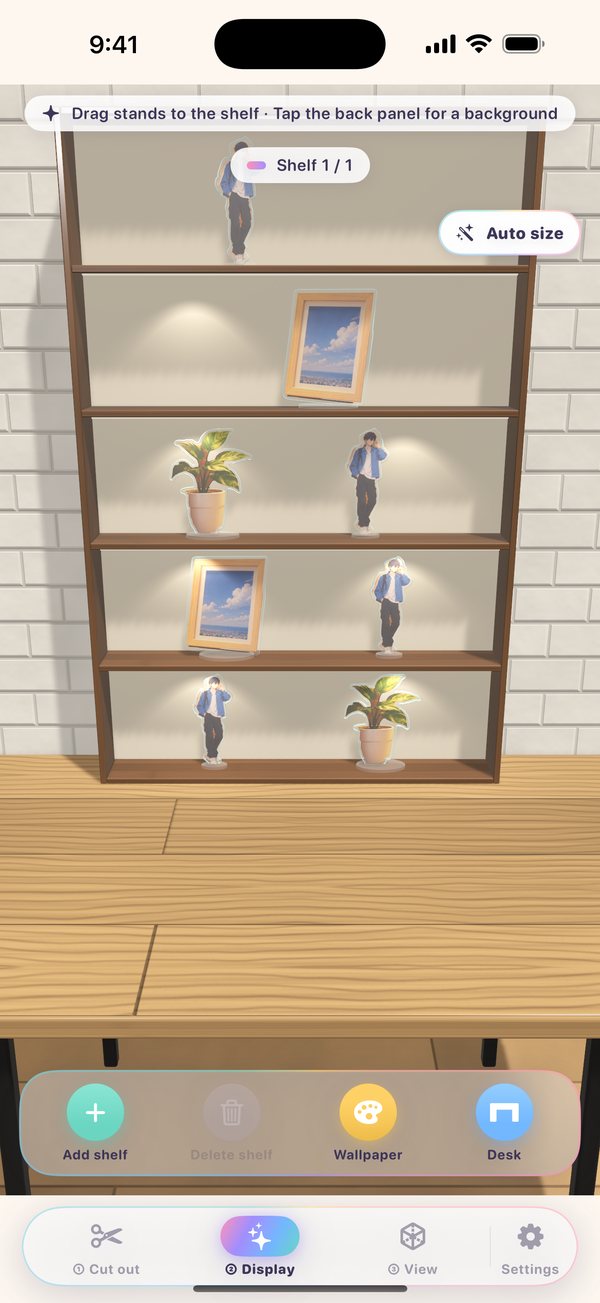
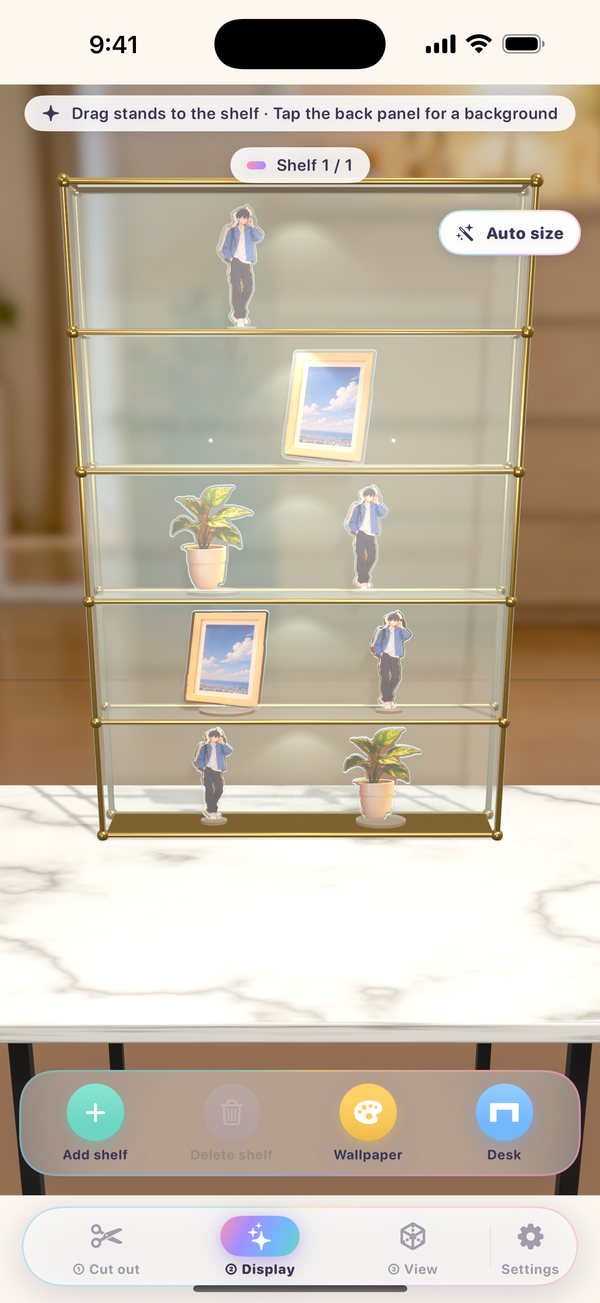
5種類の棚から選んで、段数・色や素材・回転台・ライトを組み合わせます。棚はいくつでも増やせます。Choose from 5 shelf styles, then mix tiers, colors, materials, turntables and lights. Add as many shelves as you like.
並べるFill
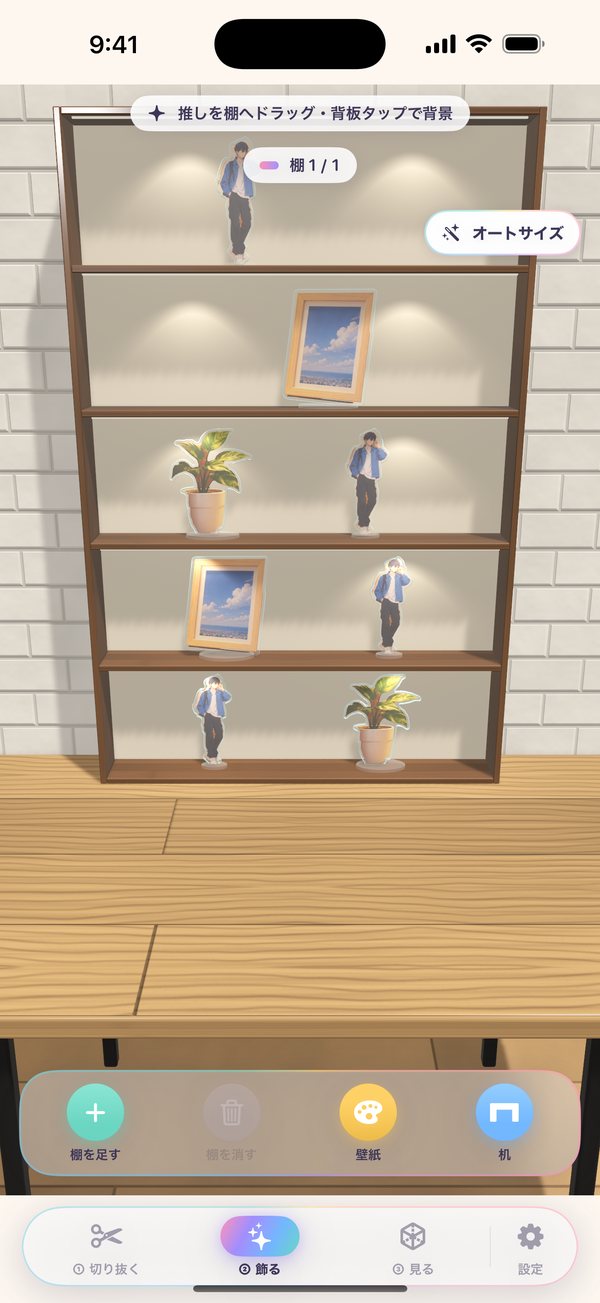
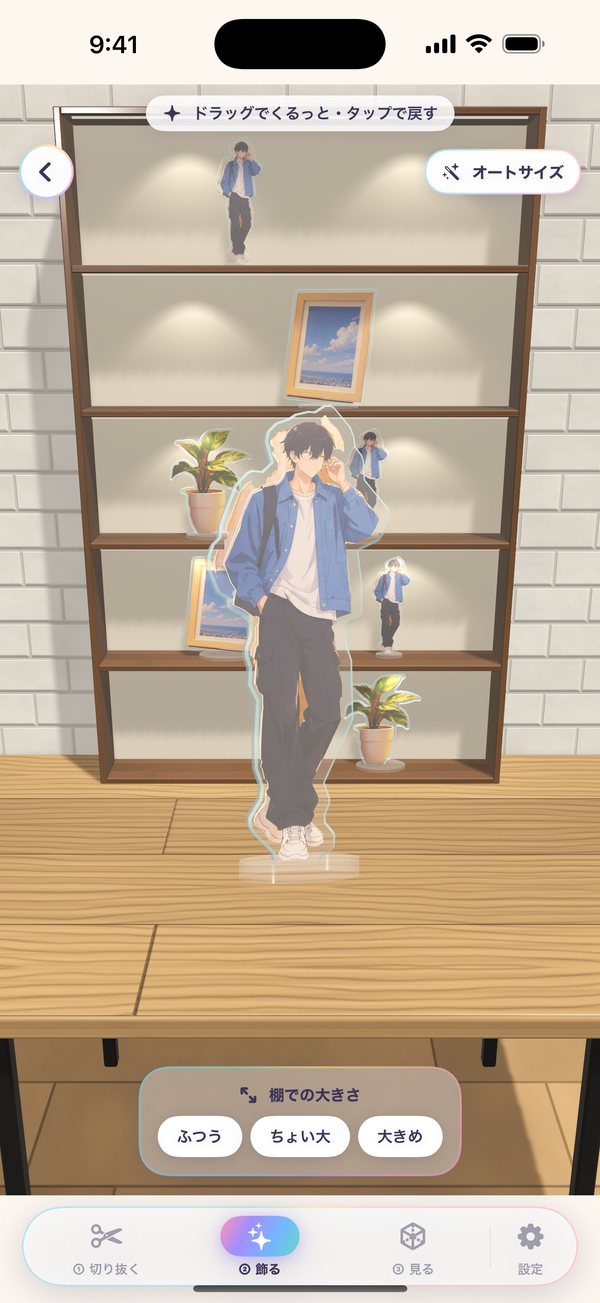
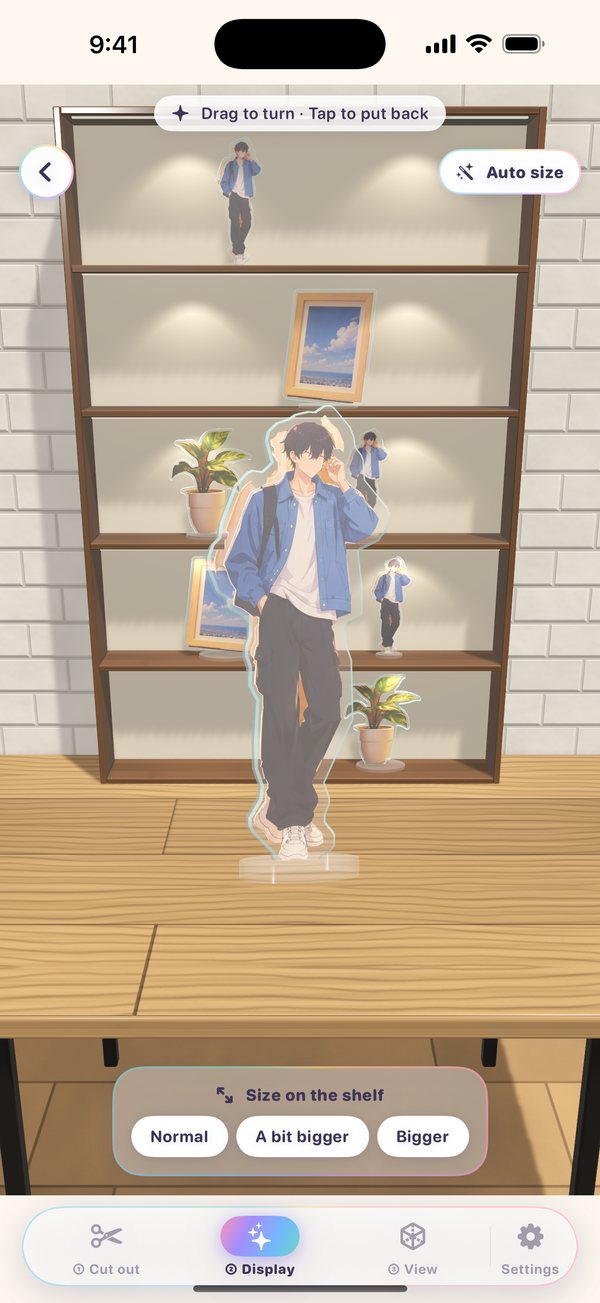
写真の推しをタップすると3Dのアクスタに。つまんで棚へ置けば、オートサイズで段の高さにぴったり。Tap your fave in a photo to make a 3D stand, then drag it onto a tier. Auto size fits each tier's height.
見せるFilm
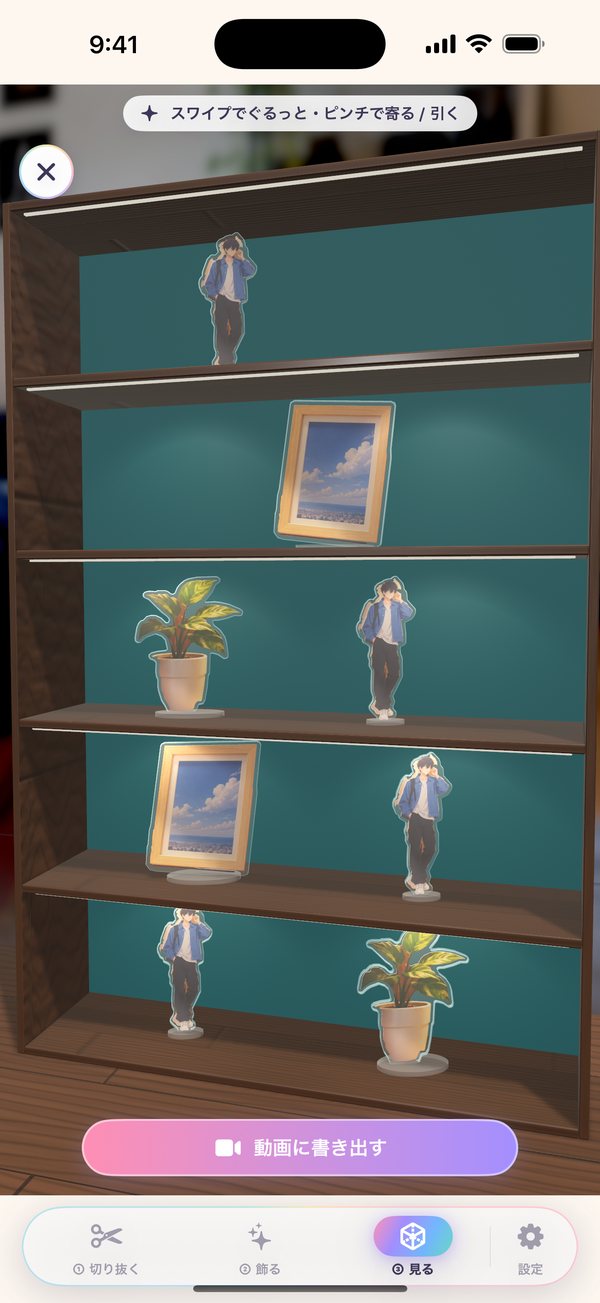
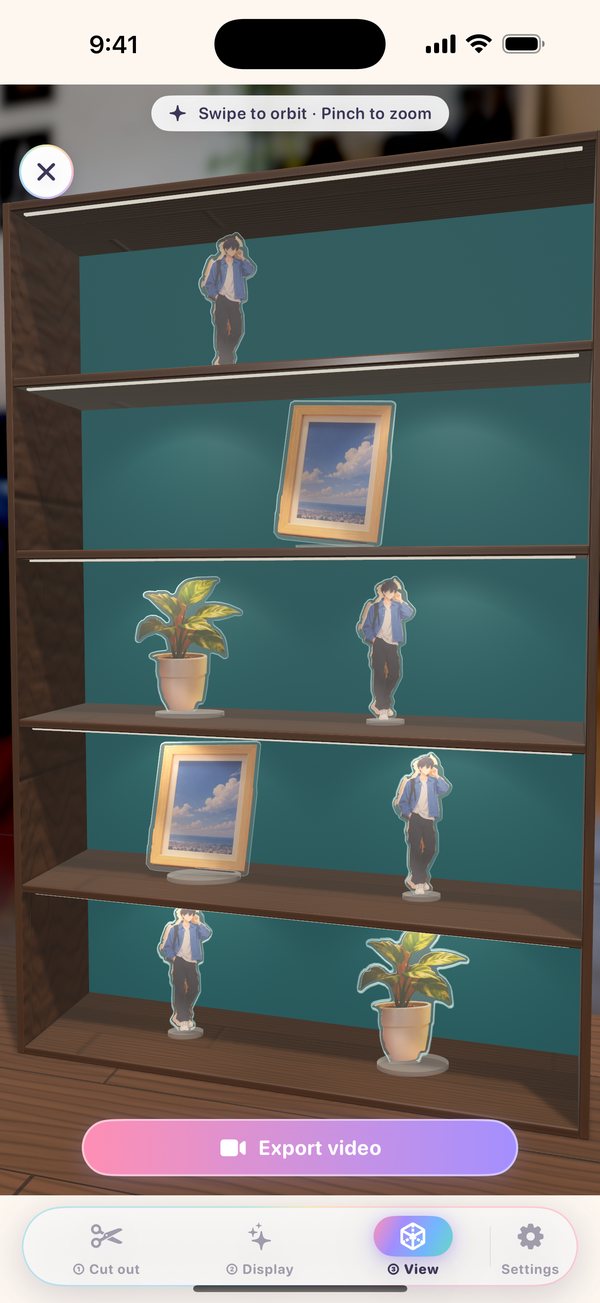
ぐるっと3Dで眺めたら、「動画に書き出す」。段から段へカメラが流れる紹介動画が、そのままSNSへ。アクスタを1体取り出せば、旅先やカフェの写真に立たせて記念写真にもできます。Orbit around in 3D, then tap "Export video" for a tour that glides from tier to tier. Ready for social. Or take one stand off the shelf and pose it in your trip or café photos for a keepsake shot.
できることWhat you can do
棚も部屋も照明も、自分で決める。The shelf, the room, the lights — all your call.
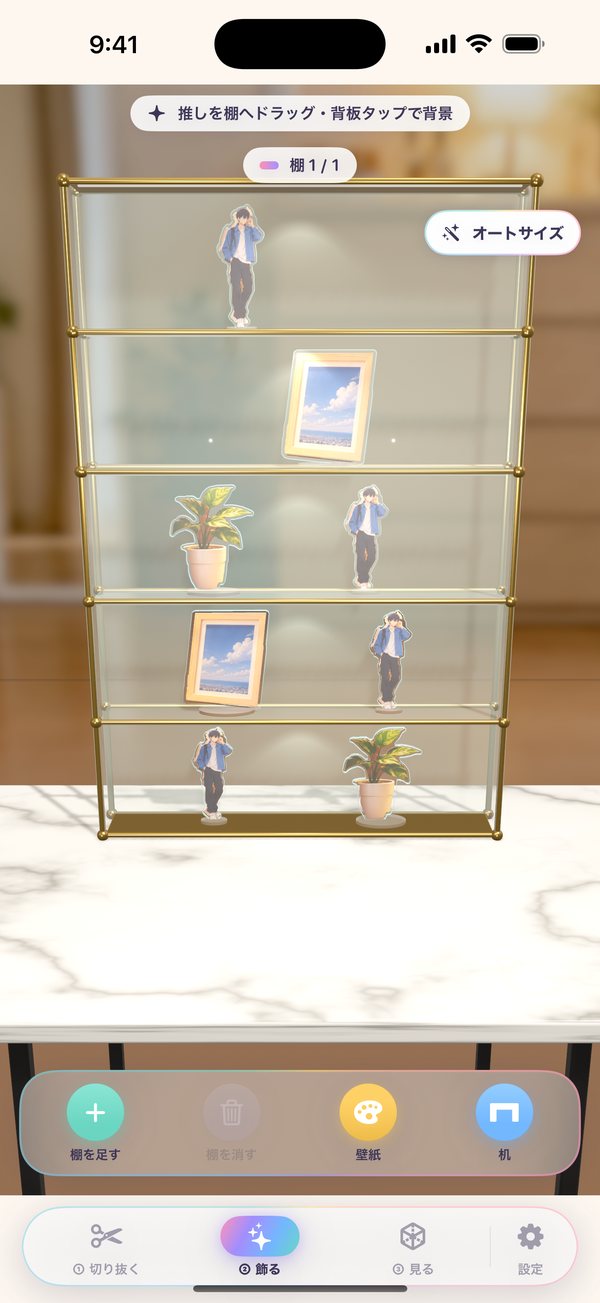
普通の棚・ミッドセンチュリー・ガラス・仕切りなし・モジュラー。段数・回転台・ライト、背景は写真・模様・単色・透明から。
Standard, mid-century, glass, open or modular — pick tiers, turntables and lights, with photo, pattern, solid or clear backs.
上質な壁紙、ぼかした部屋の写真、机と床の素材まで選べます。
Choose fine wallpapers, blurred room photos, and the desk and floor finish.
推しがくるりと回ります。表を向いている時間は長めに。
Your faves spin slowly — and linger a little longer facing front.
面取りした縁、光る切り口、裏の白い下地まで。つまむ・落とす・弾くと、物理で倒れたり転がったりして「カチッ」と鳴ります。
Beveled edges, glowing cut faces and a white backing. Pick up, drop and flick them — they tip and roll with real physics, and click when they land.
棚から取り出したアクスタを、カメラロールの好きな写真に立たせて合成。旅先の景色やカフェのテーブルで、推しと一緒に記念写真を。回る・跳ねる動きつきで、ライブフォトでも保存できます。
Take a stand off the shelf and place it into any photo from your library — a trip view, a café table — for a keepsake shot together. Add a spin or jump, and save it as a photo or Live Photo.
寄ったり回り込んだりするカメラワークで、棚の動画を写真アプリに保存。
Smooth close-ups and orbits, saved straight to Photos.
iPhone Duo を半分に折って置くと、上は棚・下は操作パネルに。しばらく置くと部屋が暗くなり、棚のライトが灯ります。横向きにも対応。
Half-fold iPhone Duo for the shelf on top and controls below. Leave it and the room dims as the shelf lights glow. Landscape works too.
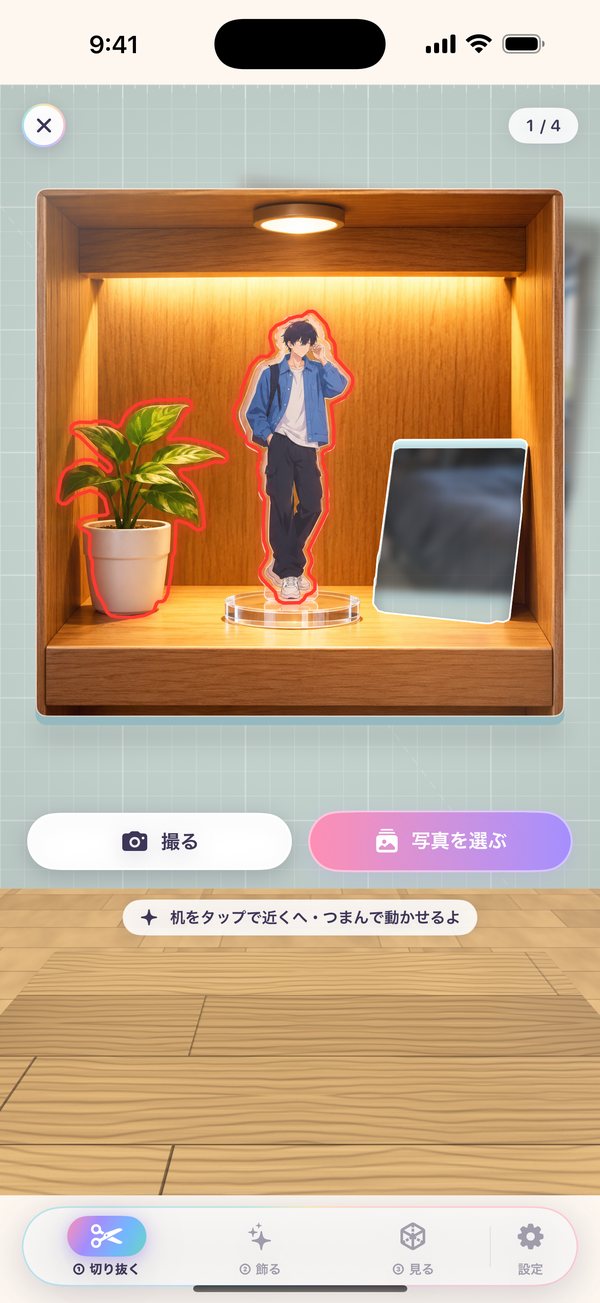
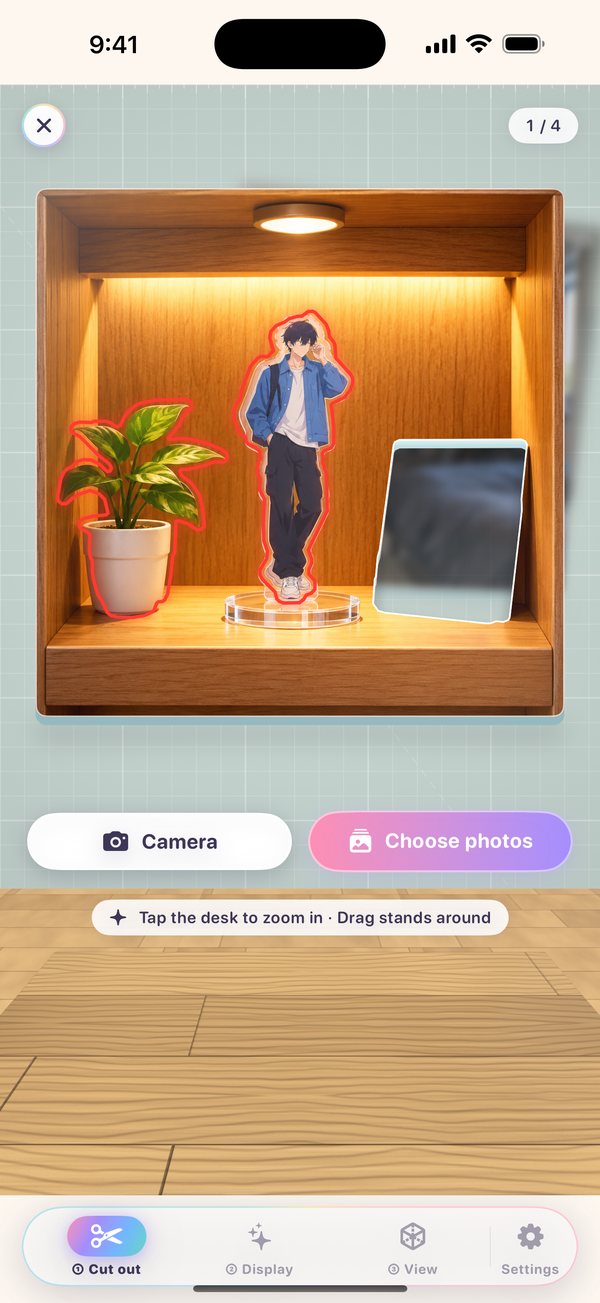
写っているものを自動で見つけて赤い線で囲みます。1枚に何人いても大丈夫。
Everything in a photo is found and outlined automatically — even several faves in one shot.
画面Screens
写真は端末の外に出ませんYour photos never leave your iPhone
切り抜きも3Dの描画も、すべて iPhone の中で行います。アカウント登録も、広告も、データの収集もありません。Cutouts and 3D rendering all happen on your iPhone. No account, no ads, no data collection. プライバシーポリシーPrivacy Policy
よくある質問FAQ
どんな棚が作れますか?What kinds of shelves can I build?
普通の棚・ミッドセンチュリー・ガラス・仕切りなし・モジュラーの5種類に、1〜7段、色や素材、回転台、ライトを組み合わせられます。棚の背景・壁紙・机も選べて、棚はいくつでも増やせます。Five styles (standard, mid-century, glass, open, modular), 1 to 7 tiers, colors and materials, turntables and lights. You can also choose the back panel, wallpaper and desk, and add as many shelves as you like.
どんな写真から切り抜けますか?What photos can I cut out from?
人物、キャラクター、ぬいぐるみ、小物など、背景と見分けられるものなら切り抜けます。1枚の写真に何人写っていても、それぞれに赤い線が入ります。People, characters, plushies, small objects — anything that stands out from the background. Each one in a photo gets its own outline.
作ったアクスタはどこに保存されますか?Where are my stands saved?
アプリの中(iPhone の中)に保存されます。次に開いたときも、同じ棚の同じ場所に飾られています。Inside the app on your iPhone. Next time you open it, they're right where you left them.
動画はどうやって作りますか?How do I make a video?
「③ 見る」を開いて「動画に書き出す」を押すだけ。棚の形に合わせた縦横比で、写真アプリに保存されます。Open "③ View" and tap "Export video". It's saved to Photos in an aspect ratio that suits your shelf.
アクスタと記念写真は撮れますか?Can I take photos with my stands?
撮れます。「② 飾る」で棚のアクスタをタップして手に取り、「一緒に撮る」を押します。カメラロールから写真を選ぶと、その上にアクスタが立ちます。ドラッグで位置、ピンチで大きさ、ひねって傾きを決めて、くるっと回る・ぴょんと跳ねる動きをつけて保存できます。Yes. In "② Display", tap a stand to pick it up, then tap "Take a photo together". Choose a photo from your library and the stand appears on it. Drag to move, pinch to resize and twist to tilt, add a spin or jump, and save.
間違えて動かしたり捨てたりしたら?What if I move or toss something by mistake?
左上の ↶ で元に戻せます。弾いて捨てたアクスタも戻せます。Tap ↶ at the top left to undo — even stands you flicked away come back.