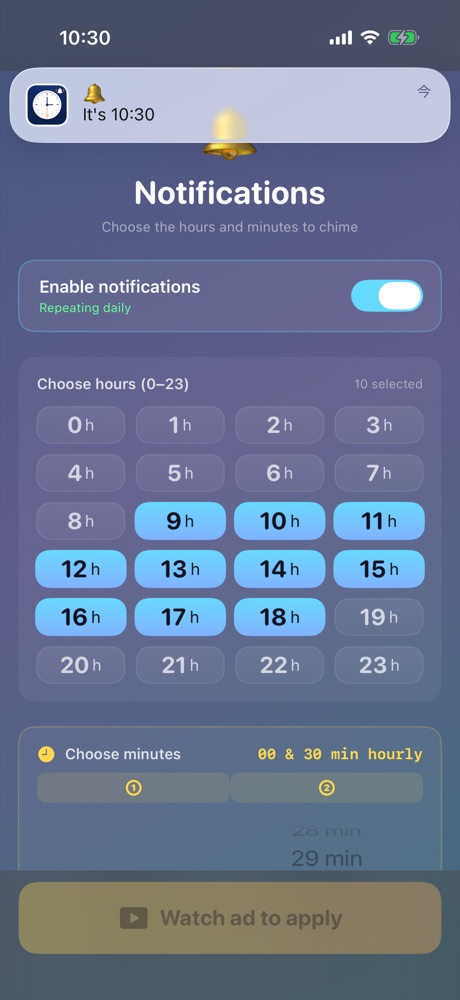
毎時00分と30分など、選んだ時刻にiPhoneがチャイム。時計を見なくても、時間の流れがわかります。 Pick the hours and minutes, and your iPhone chimes right on time. Feel time pass without ever checking the clock.
Notifications
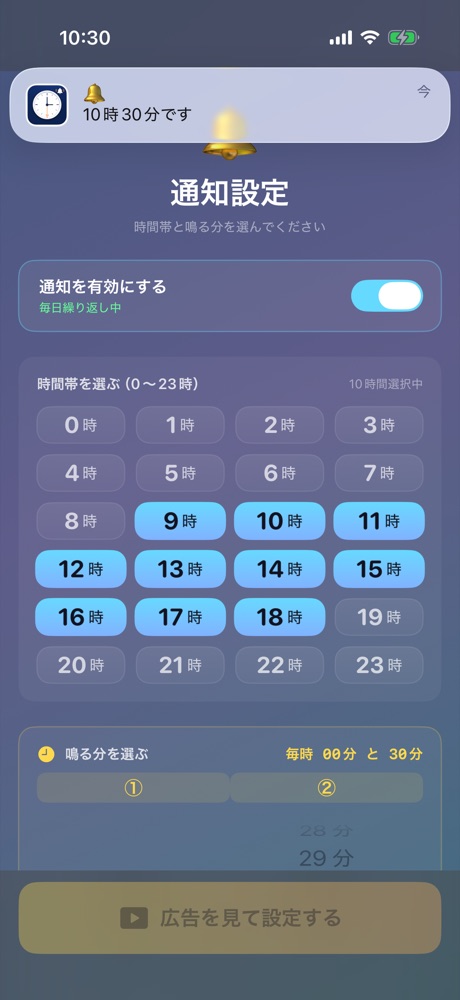
チャイムはiPhoneの通知で届きます。作業中も、ポケットの中でも。アプリを開いておく必要はありません。Each chime arrives as a regular iPhone notification — mid-task or in your pocket. No need to keep the app open.
Minutes
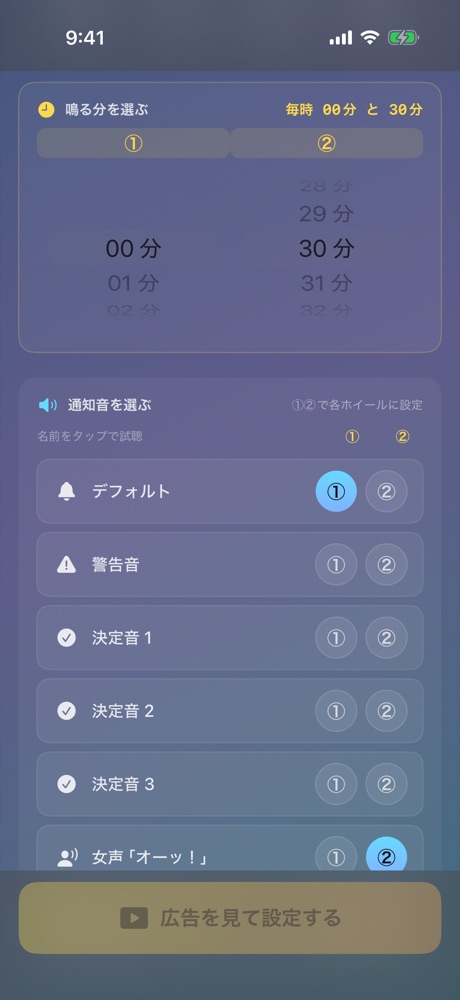
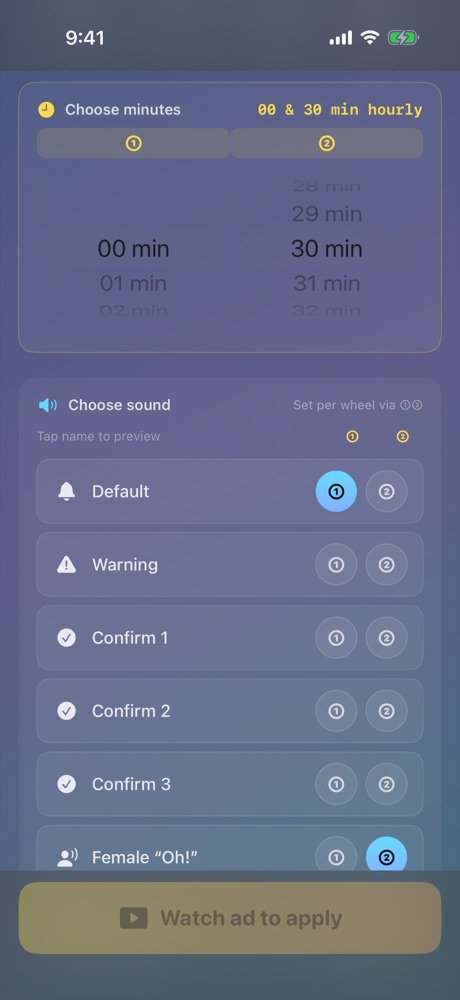
ホイールを回して、鳴らす「分」を2つまで。00分と30分なら30分ごと、50分だけなら休憩の合図に。Spin two wheels to pick up to two minutes per hour. :00 and :30 for every half hour, or just :50 as a break reminder.
Sounds
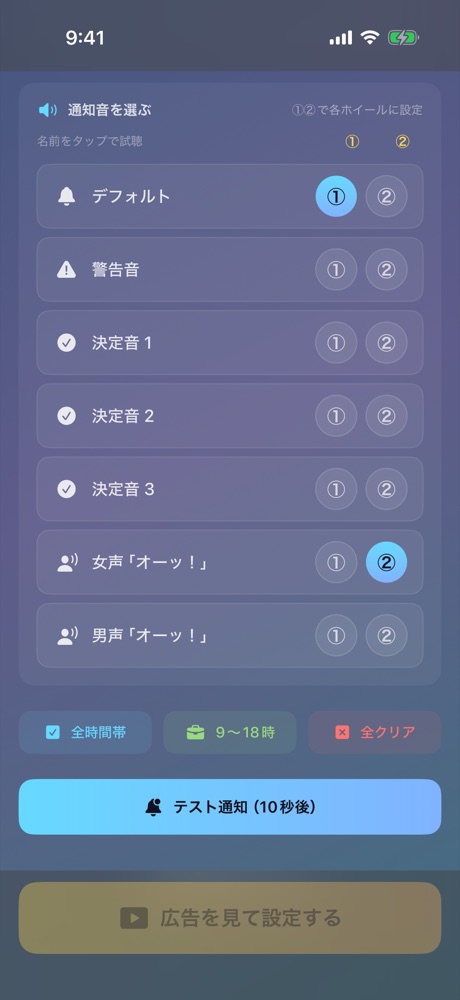
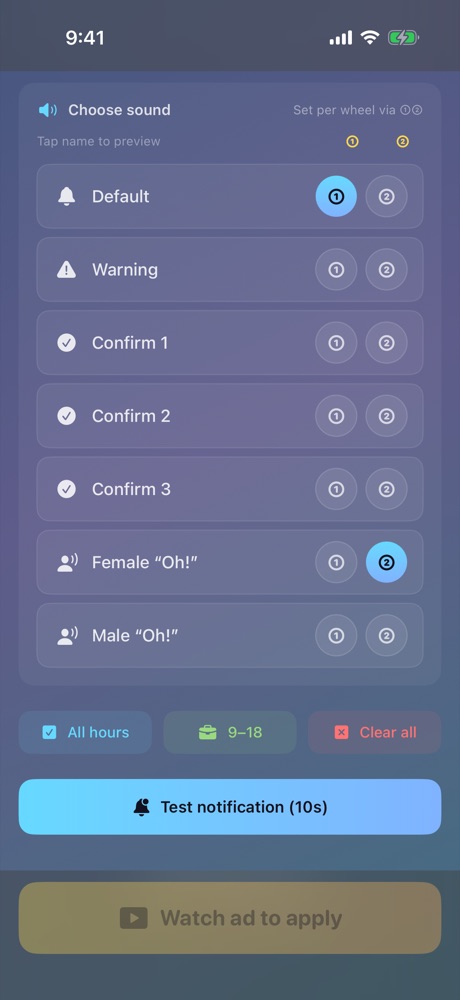
名前をタップで試聴。①と②で別の音にできるので、00分はチャイム、30分は「オーッ!」なんて使い分けも。Tap a name to preview. Give each wheel its own sound — a chime on the hour and a cheerful “Oh!” at half past.
Hours
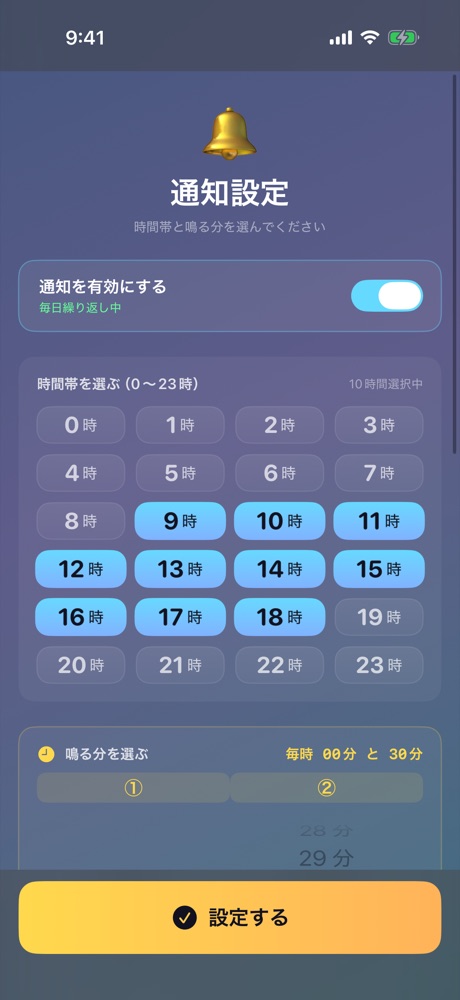
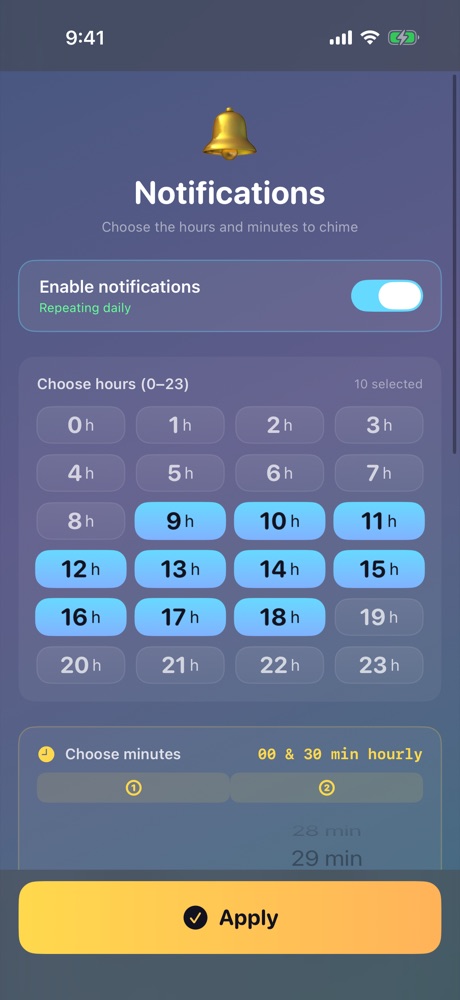
0〜23時から、鳴らしたい時間帯をタップで選ぶだけ。夜は静かに。下の24本のバーを触ってみてください。Tap the hours you want, from 0 to 23. Quiet at night. Try tapping the 24 bars below.
How it works
鳴らしたい時間帯をタップ、分はホイールで。Tap the hours, spin the wheels for minutes.
画面下の大きなボタンで、まとめて反映。The big button at the bottom saves everything at once.
通知をオンにしておけば、あとはおまかせ。Turn notifications on and let it run.
Scenes
気づけば3時間…を防ぐ、30分ごとの区切り。Stop three hours from vanishing into one task.
:00 · :3050分集中して、鳴ったら10分休憩。Focus for 50, break when it chimes.
:50鳴るたびに、ひと口飲んで背すじを伸ばす。Every chime: a sip of water, a stretch.
:15 · :45「オーッ!」が鳴ったら、次のことへ。When the “Oh!” plays, it's time for the next thing.
:00Screenshots
Free
チャイムが鳴るたびに広告が出ることはありません。Ads never interrupt your chimes.
FAQ
はい。iPhoneの通知として届くので、アプリを開いておく必要はありません。通知の許可はオンにしてください。Yes. Chimes are iPhone notifications, so the app doesn't need to be open. Just keep notifications allowed.
iPhoneの設定に従います。消音モードや集中モード中は、音が鳴らなかったり通知が表示されなかったりします。It follows your iPhone settings. In Silent mode or a Focus, the sound may not play or the notification may be held.
最大2回です。ホイール①と②でそれぞれ分を選べます(②は「しない」も選べます)。Up to two. Pick a minute on wheel ① and wheel ② (② can be turned off).
無料です。2回目以降の設定の反映時に、短い動画広告が流れます。広告が読み込めないときは、そのまま反映されます。Yes. After your first save, applying new settings shows a short video ad. If no ad can load, your settings are saved anyway.
日本語・英語・繁体字中国語。iPhoneの言語設定に合わせて切り替わります。English, Japanese, and Traditional Chinese, following your iPhone's language.